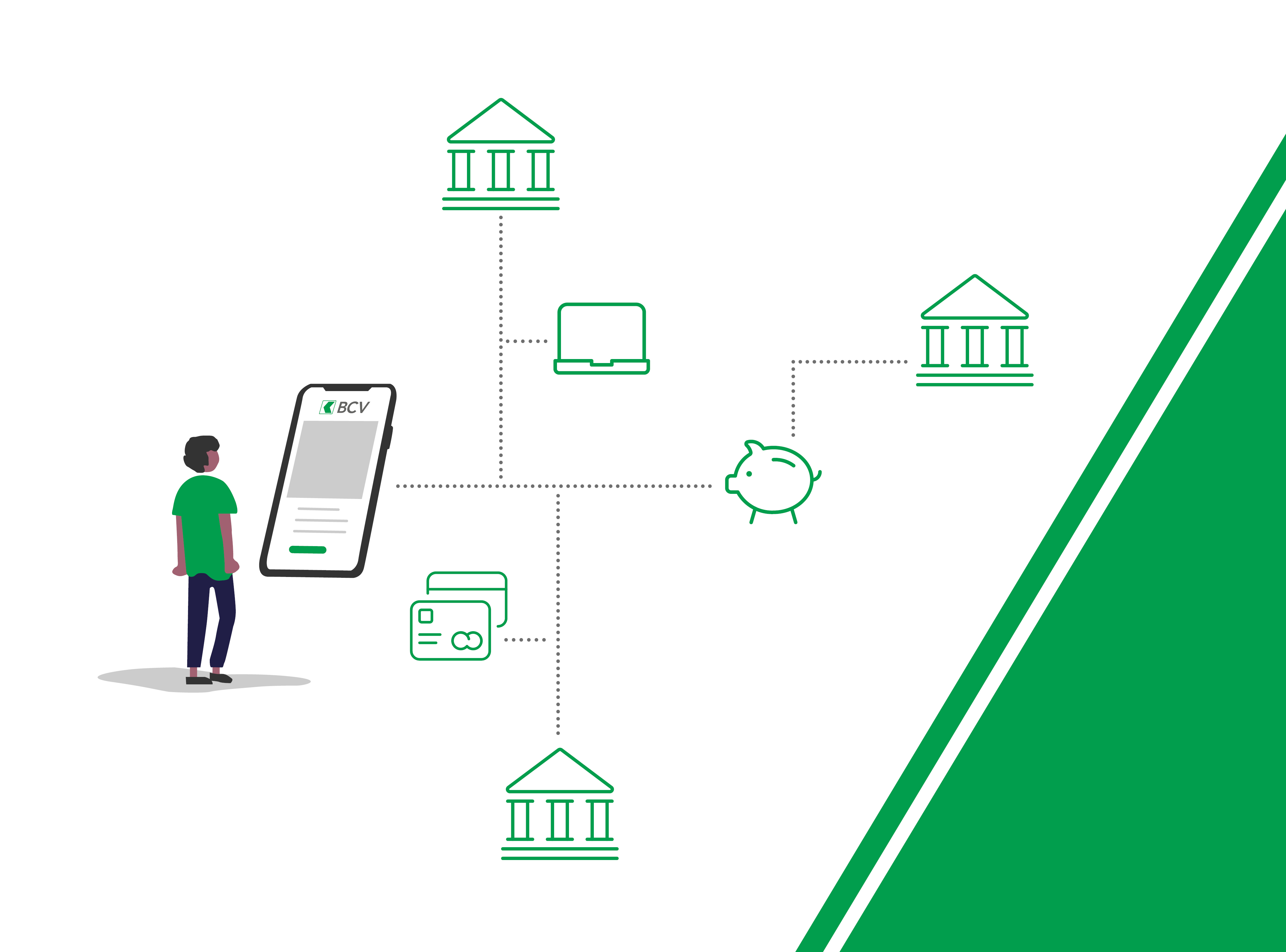
A single login
Log in once with your BCV credentials and see your accounts at other banks, too.
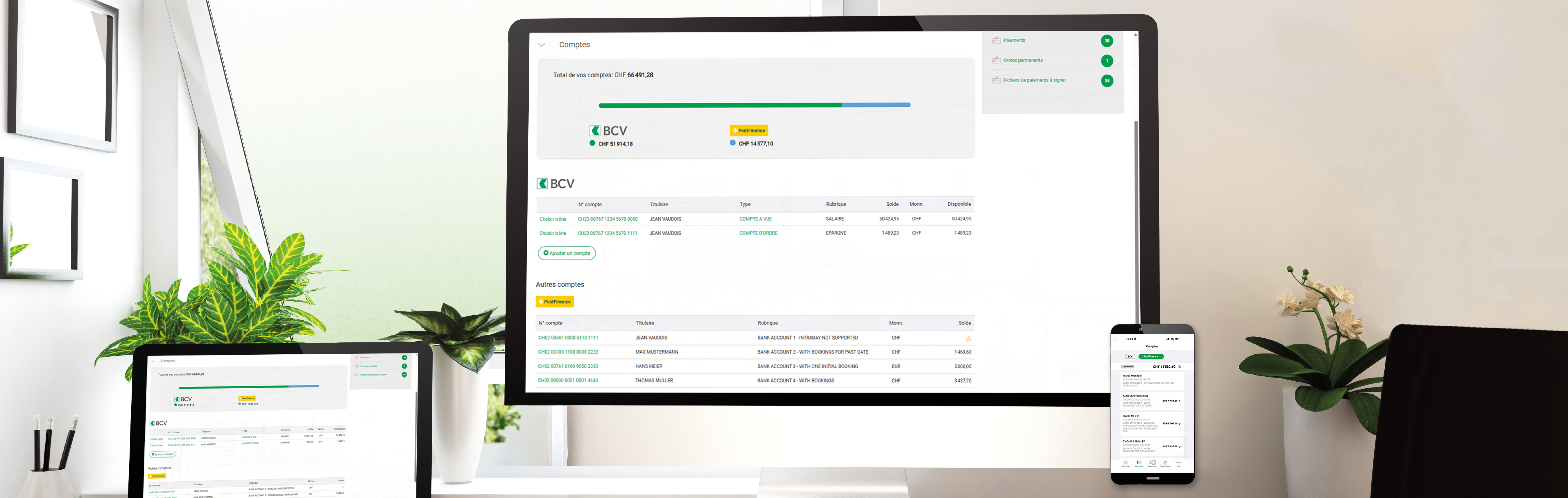
With Multibanking, you can view all the accounts you have with participating Swiss banks directly in BCV-net and BCV Mobile, giving you an easy-to-access, consolidated overview of your finances.
Multibanking is a service that lets you view your accounts with other participating banks directly in BCV-net and BCV Mobile. This gives you a single, secure, and easy-to-read overview of your banking information.
The other banks currently taking part in the initiative are: UBS, Postfinance, Valiant, Zürcher Kantonalbank, BEKB/BCBE, Aargauische Kantonalbank, Luzerner Kantonalbank, Hypothekarbank Lenzburg, and Banque CIC.
Yes, you can add as many participating banks as you like.
All personal banking customers (individuals only) can use Multibanking. The new service is not yet available for companies and other entities. Corporate clients can connect their accounts to compatible accounting software such as KLARA, Sway Finance, bexio, and SwissSalary, but these accounts cannot be linked to corporate accounts at other banks.
In BCV-net, go to “Preferences” and open the “Third-party authorizations” tab.
The procedure for activating the service is given above, under “How to activate the service.”
Most personal current and savings accounts at participating banks can be added. The service is not yet compatible with other types of accounts, such as corporate and securities accounts.
Open the “Multibanking” tab in BCV-net, click on “Add a bank” and select the bank in question. Then log into that bank’s system via its secure connection and confirm the authorization.
You can remove accounts at any time. The data for a removed account will no longer be updated.
BCV receives only the data that will be displayed in the Multibanking service. No other data are transmitted.
Yes, you can remove access at any time using the Multibanking settings in BCV-net, under “Preferences.”
No, the service is free of charge.
No. For now, you can only view those accounts and group them together into a consolidated view.
No. Account statements and other documents related to an account at another bank will remain available only through that bank’s own system.

Log in to BCV-net and activate Multibanking in just a few clicks.